
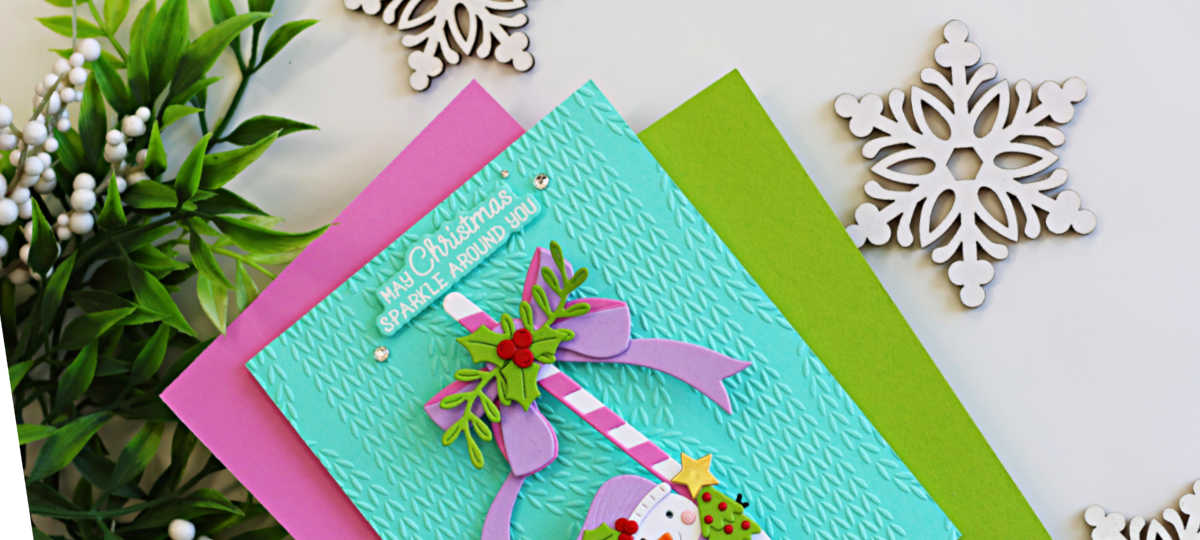
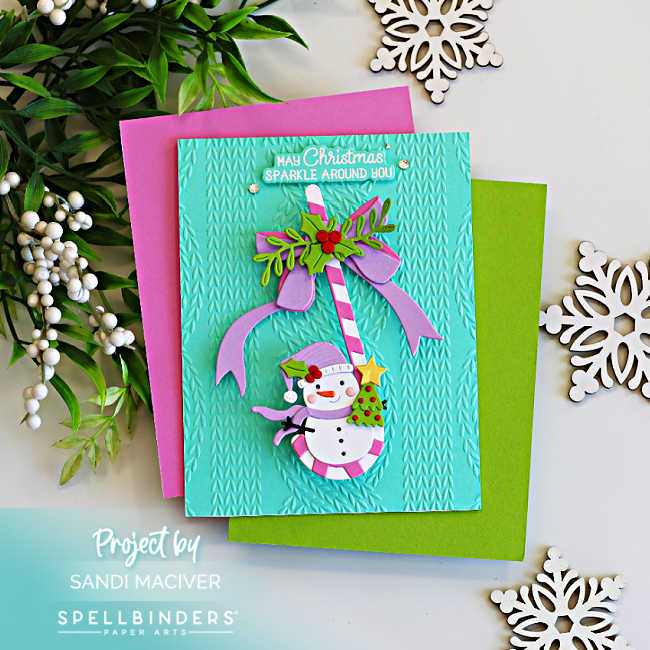
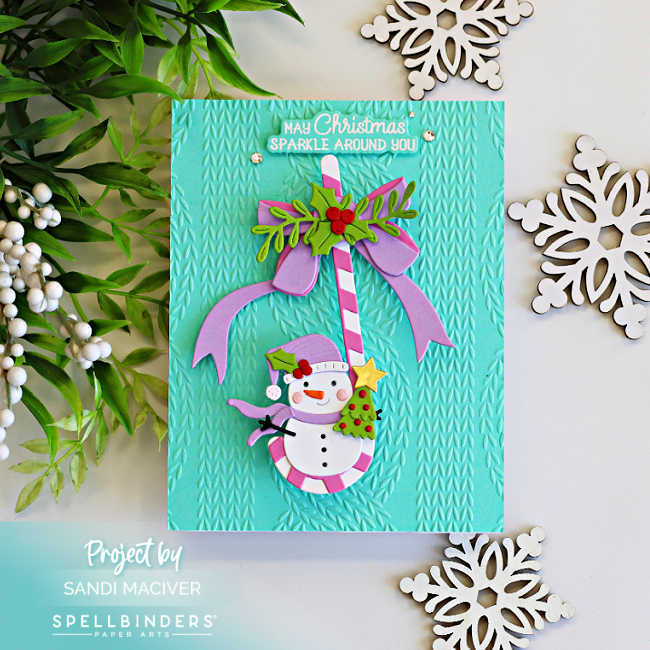
I have so much fun creating today’s card! Spellbinders recently sent me some of their new Card Spinners, and I couldn’t wait to give them a try. Today’s Easy Interactive Christmas Card with a Swinging Snowman features the July All Club Crate Bonus Kit. This adorable little snowman is nestled inside the curve of the candy cane and swings back and forth with the slightest touch. It’s such a fun interactive detail! I also created a short reel over on my Instagram so you can see the swinging motion in action.
For today’s card, I chose another non-traditional Christmas color palette featuring soft Waterfall, Orchid and Lavender, accented with a bright pop of Pomegranate. To add even more texture, I embossed the background with the Snuggly Knit Embossing Folder, giving it the cozy look and feel of a knitted sweater.
Scroll down for the step-by-step instructions to create this sweet interactive snowman Christmas card!
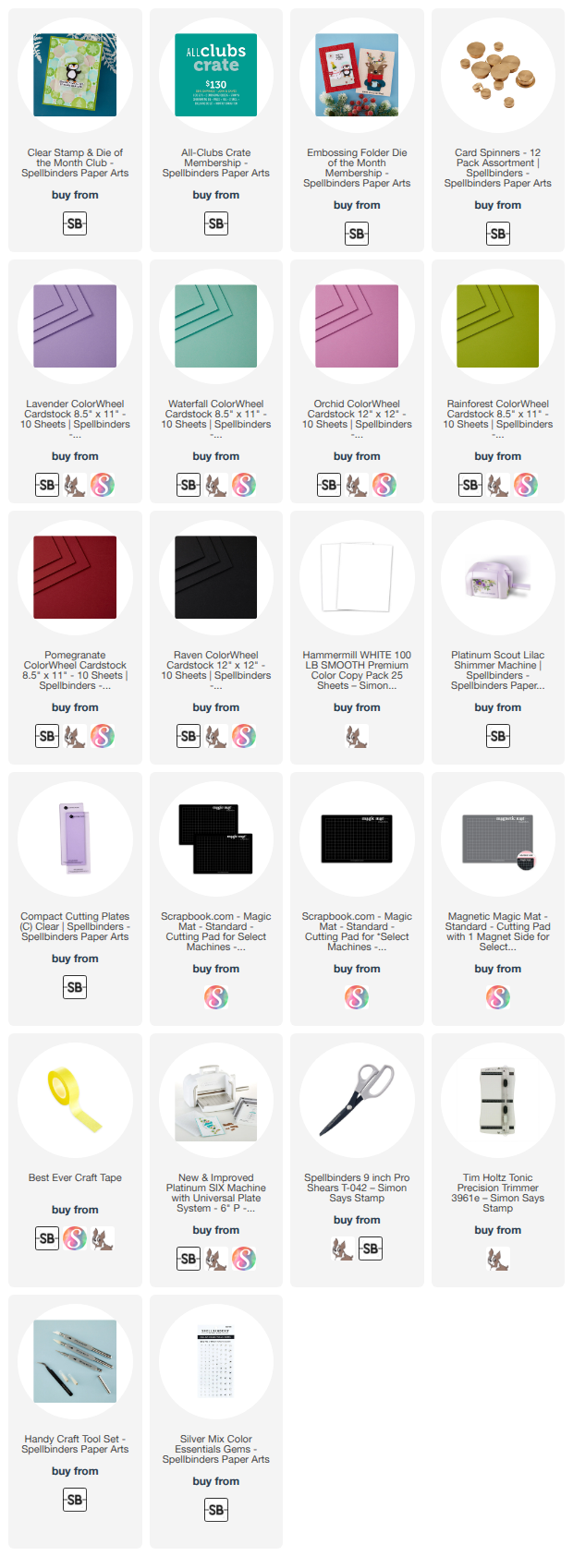
Products used for today’s Easy Interactive Snowman Swinging Card:
- All Club Crate Bonus – July 2026 – Candy Cane Swing
- Snuggly Knit Embossing Folder
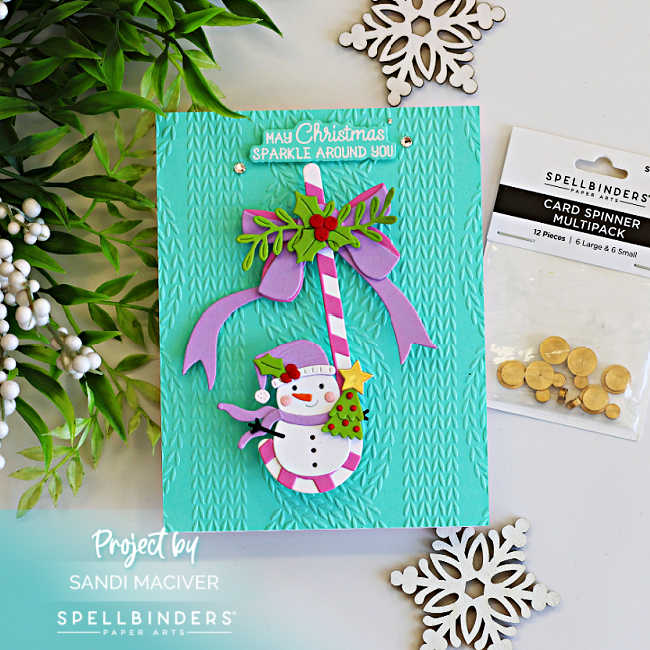
- Large Card Spinners
- Silver Mix Color Essential Gems
- Cue the Merry Clear Stamp and Die Set
How to create the Easy Interactive Snowman Swinging Card:
Create the Card Base:
Trim a panel of Waterfall Cardstock to 4-1/4″ x 5-1/2″ and emboss it with the Snuggly Knit Embossing Folder. Attach the embossed panel to the front of a white, top-folding A2-sized card base.
Die Cut and Assemble the Elements:
Die cut and assemble the snowman, Christmas tree, candy cane and bow using the Candy Cane Swing Bonus die set.
Position the assembled candy cane on the center of the card front and lightly mark where the Card Spinner will sit behind the center of the bow. Glue the large spinner in place and allow it to dry completely.
Next, glue the back of the bow to the front of the spinner. Add a little support under the snowman, so that the top dries flat to the spinner.
Heat Emboss the Sentiment:
Choose a sentiment from the Cue the Merry Stamp and Die set and white heat emboss it onto a scrap of Waterfall Cardstock. Die cut it with the coordinating die and attach it to the top center of the card with foam squares.
Finish by adding three Silver Mix Color Essential Gems around the sentiment for a touch of sparkle.
Now give your card a gentle tap and enjoy watching your adorable snowman swing back and forth – it’s impossible not to smile! LOL


Never Miss a Cardmaking Tutorial
Subscribe to my blog and get the latest cardmaking ideas, tutorials, and inspiration delivered straight to your inbox — plus access to exclusive content and updates you won’t want to miss!

Visit my YouTube channel for 270+ cardmaking tutorials, techniques, and creative ideas to inspire your next project
Cardmaking Supplies Used:
Here are the supplies I used to create today’s Easy Interactive Snowman Swinging Card.
Many of the links below are compensated affiliate links. This means if you click through and make a purchase, I may receive a small commission at no additional cost to you.
These commissions help support my website and allow me to continue sharing cardmaking tutorials, videos, and inspiration. I truly appreciate your support.
All products were personally purchased unless otherwise noted. Spellbinders Club Kits were provided by the company for design purposes.
You can find my full affiliate disclosure on my disclosure page.
Click the icons below each product to shop my favorite stores.
Let’s Connect & Get Inspired
Follow along for more cardmaking ideas, techniques, and tutorials:
- Follow me on Instagram
- Join 38,800+ creatives on Pinterest
- Subscribe to my YouTube Channel
- Follow me on Facebook
- Join my Cardmaking Obsession Facebook Group
FREE Cardmaking Tutorials Library
Looking for more inspiration? Explore my FREE PDF GALLERY with 359+ cardmaking tutorials — packed with ideas, techniques, and step-by-step projects to spark your creativity.
Don’t Miss This Week’s Deals
Lot’s of great paper crafting sales and new releases happening now — check them out here!

Shop My Favorite Craft Brands
Browse my Go to Brands and supplies using my affiliate links.
hi lady I seen this again can I purchase that from spellbinders I’m in love want to do a spinner have them and nothing to use them on lol! or any other suggestions appreciated ❤️
Yes you can purchase it from spellbinders, links to all the products are at the end of the blog post